<h1>Hardware for Advanced Flightsimmers</h1>

Hardware for Advanced Flightsimmers

If you have already logged some flight hours, you might be looking for an upgrade to your flight simulator setup. Assuming you already have a joystick or yoke, you can expand your setup with throttle quadrants, rudder pedals, avionics, and head tracking hardware. Explore the hardware that makes sense for your next upgrade.

What's next for your Flight Simulator?

We assume you already have primary flight controls. Your next upgrade depends on what you want to improve.

Our advice: add the controls you miss most often rather than replacing a joystick or yoke that already works well.
Always check simulator, platform and connection compatibility before choosing an accessory.

  • The Flight Simulation experts since 2013
  • Rated 9.5 on average by 2000+ customers [↗]
  • Standard same-day shipping when ordering before 15:00*

Which upgrade makes the biggest difference?

A throttle quadrant or rudder pedals can bring frequently used aircraft controls to dedicated hardware. Avionics and head tracking improve different parts of your cockpit workflow. The most useful next purchase depends on the aircraft you fly and what your current controller already includes.

  • General Aviation
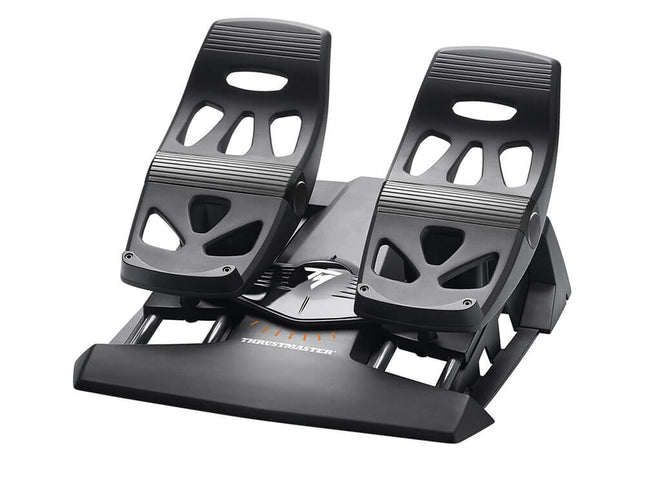
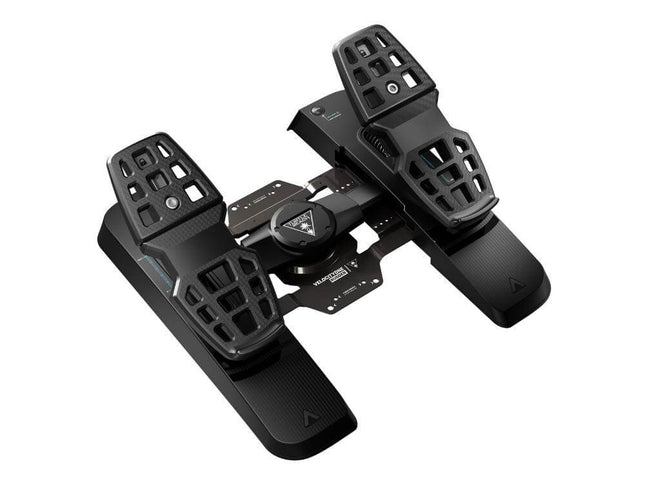
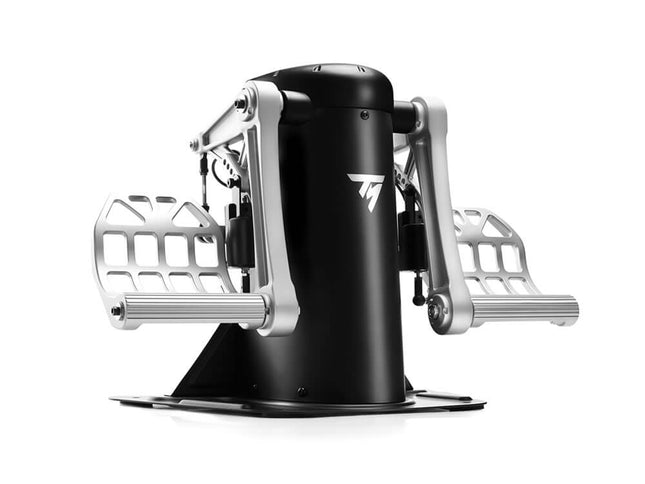
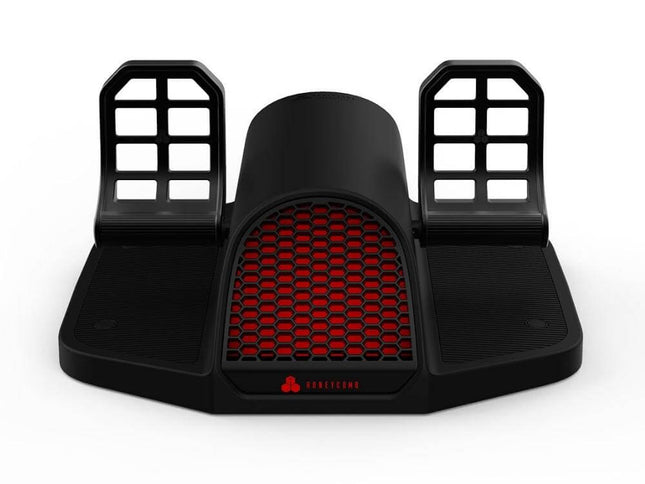
    Already flying with a joystick or yoke? Adding rudder pedals can give you dedicated rudder and braking controls, while a throttle quadrant helps you manage engine power more directly.
  • Airliners
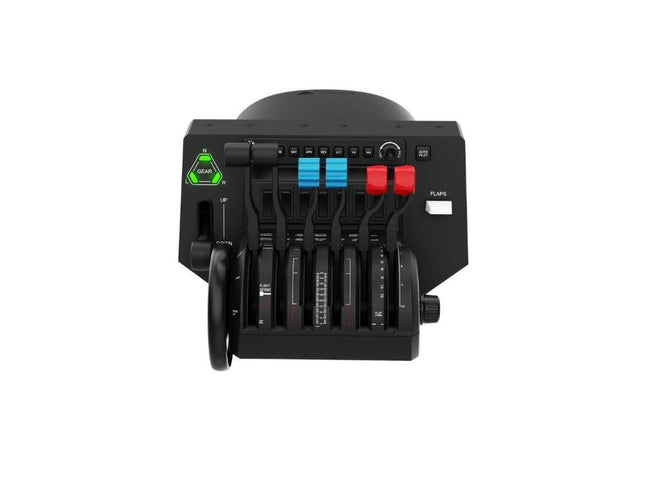
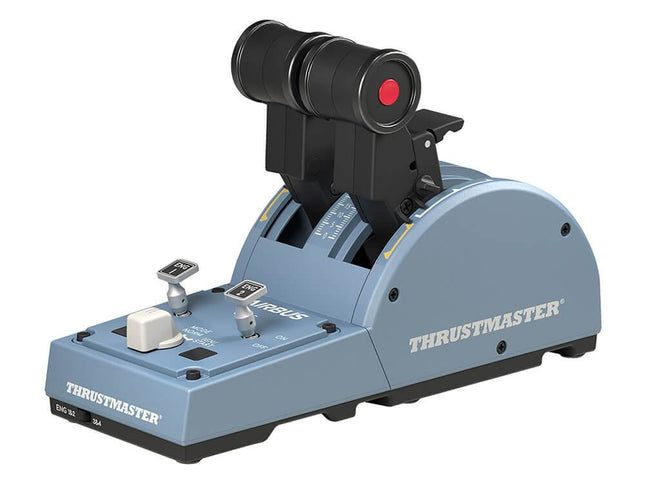
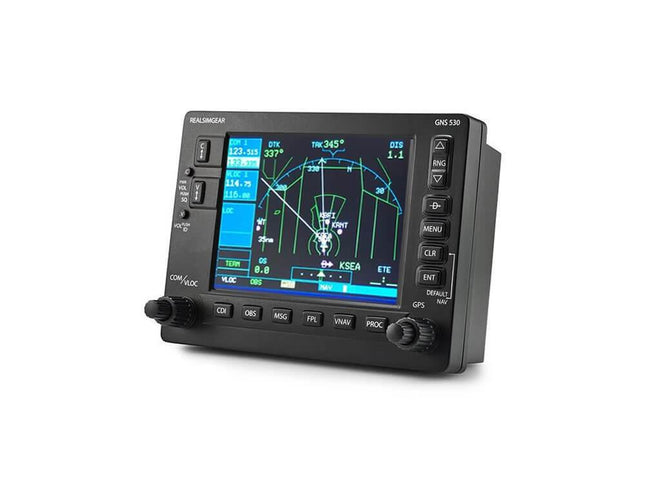
    Expand your setup with a throttle quadrant or autopilot panel to operate frequently used cockpit functions without mousing around on your screen, or create your own Airbus- or Boeing-style cockpit with replica controls.
  • Military & DCS
    Separate throttle controls, rudder pedals and head tracking are useful upgrades for pilots who want more physical control during demanding flights.


Hardware for Your Next Upgrade

As flight simulation specialists, we recommend these selected products to upgrade your current setup. Each offers a practical way to expand your flight controls, improve your cockpit experience or add functionality to the hardware you already own.


Build your Setup in Stages

Rome wasn't built in one day, and your cockpit doesn't have to be either.
You do not need to upgrade everything at once. A practical sequence is to add the controls you use most, then expand with aircraft-specific panels and mounting hardware when your needs become clearer.

  • 1 - Complete your primary controls

    Add a throttle or rudder pedals if your existing joystick or yoke does not cover the functions you need.

  • 2 - Add cockpit-specific functions

    Choose avionics or control panels for the aircraft and procedures you regularly fly.

  • 3 - Improve comfort and awareness

    Consider head tracking, a stable mounting solution or a flight stand for longer sessions.

Frequently Asked Questions about Upgrading your Flightsim Setup

What should I upgrade first in my flight simulator setup?

Start with the part of your setup that currently limits your flying most. If you already have a good joystick or yoke, a dedicated throttle or rudder pedals usually adds more functionality than replacing your primary control.
Avionics, head tracking and cockpit hardware can then be added as you further develop your setup.

Is a separate throttle worth adding to my flight simulator?

Yes. A dedicated throttle gives you more precise control over engine power and can add separate controls for functions such as propeller, mixture, reverse thrust or multiple engines. Choose a throttle that matches the aircraft you fly most often, rather than simply looking for the largest number of controls.

When should I add rudder pedals to my setup?

Rudder pedals are a logical upgrade once you want separate and more precise yaw control. They make a noticeable difference during taxiing, crosswind operations and coordinated flight, and become particularly useful for helicopters and aircraft that require frequent rudder input.

Can I combine flight simulator hardware from different brands?

On Windows PC, yes. Joysticks, yokes, throttles, rudder pedals and other controls are generally recognized as separate devices and can be configured individually in the simulator. This lets you choose the most suitable component for each part of your setup instead of staying within one ecosystem. On Xbox or PlayStation different brands cannot be combined.

Should I choose head tracking or VR for my flight simulator?

Both make it easier to look naturally around the cockpit and outside, but they offer a different experience.
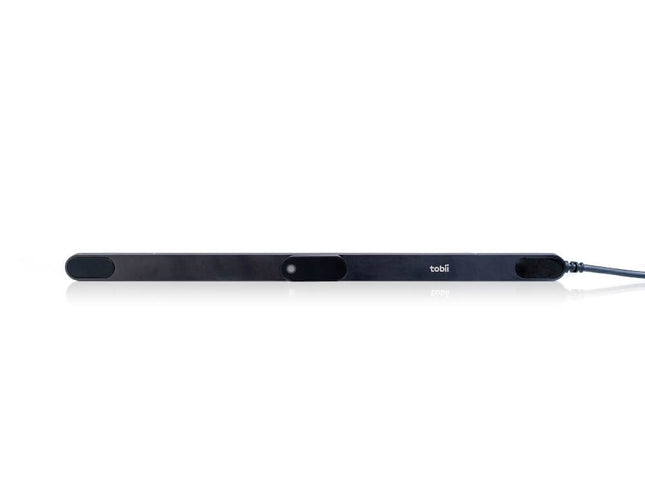
Head tracking keeps your monitor, physical controls and avionics visible while following your head movements. VR places you inside a three-dimensional virtual cockpit for greater visual immersion. The best choice depends on whether you prefer to keep interacting with physical hardware or prioritize the feeling of being inside the aircraft.

Login

Forgot your password?

Don't have an account yet?
Create account