<h1>Flight Simulator Throttles</h1>

Flight Simulator Throttles

A Flight Simulator Throttle controls engine power and can range from a simple single-axis lever to a multi-axis throttle quadrant. Depending on the aircraft you fly, additional levers can also control functions such as propeller pitch, mixture, speedbrakes, flaps or reverse thrust.

What do you fly?
Choose your flying style to quickly narrow down the products that best match your setup.

  • + FREE ON-TOP MOUSEPAD https://vimeo.com/679901038

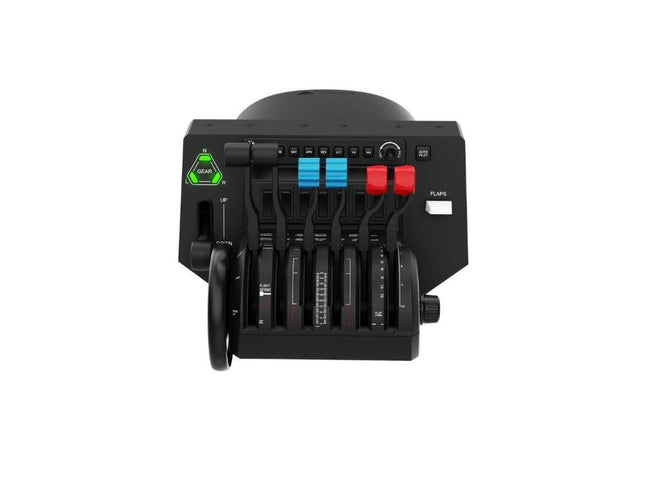
    Honeycomb Bravo Throttle Quadrant

    In stock

    In stock

    € 209,45

  • + FREE ON-TOP MOUSEPAD Sierra TPM Module

    Honeycomb Sierra TPM Module

    In stock

    In stock

    € 193,27

  • VelocityOne Dual Throttle

    Turtle Beach VelocityOne Dual Throttle

    In stock

    In stock

    € 101,30

  • Viper TQS Mission Pack

    Thrustmaster Viper TQS Mission Pack

    In stock

    In stock

    € 382,21

  • Thrustmaster - Warthog Dual Throttles - FlightsimWebshop

    Thrustmaster Warthog Dual Throttles

    In stock

    In stock

    € 211,96

  • MTQ Throttle Quadrant

    Moza Flight MTQ Throttle Quadrant

    Out of stock

    Out of stock

    € 186,42

  • MTP Throttle Panel

    Moza Flight MTP Throttle Panel

    Out of stock

    Out of stock

    € 271,55

  • MTLP Take-off Landing Panel

    Moza Flight MTLP Take-off Landing Panel

    In stock

    In stock

    € 135,35

  • Sol-R 6 Throttle

    Thrustmaster Sol-R 6 Throttle

    In stock

    In stock

    € 80,87

  • + FREE FIRST FLIGHT KIT https://vimeo.com/643989962

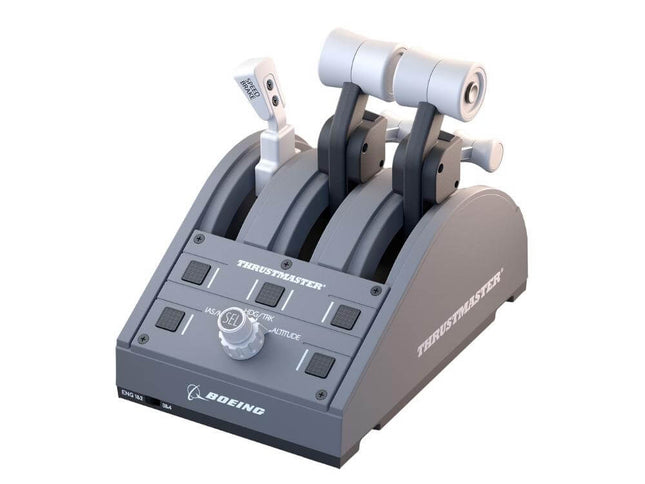
    Thrustmaster TCA Quadrant Boeing Edition

    In stock

    In stock

    € 135,35

  • + FREE FIRST FLIGHT KIT Thrustmaster - TCA Quadrant Airbus Edition - FlightsimWebshop

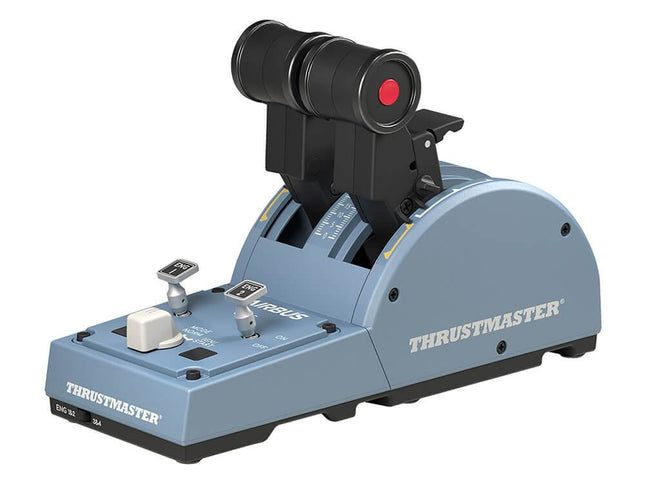
    Thrustmaster TCA Quadrant Airbus Edition

    In stock

    In stock

    € 92,79

  • + FREE FIRST FLIGHT KIT Thrustmaster - TCA Quadrant Add-on Airbus Edition - FlightsimWebshop

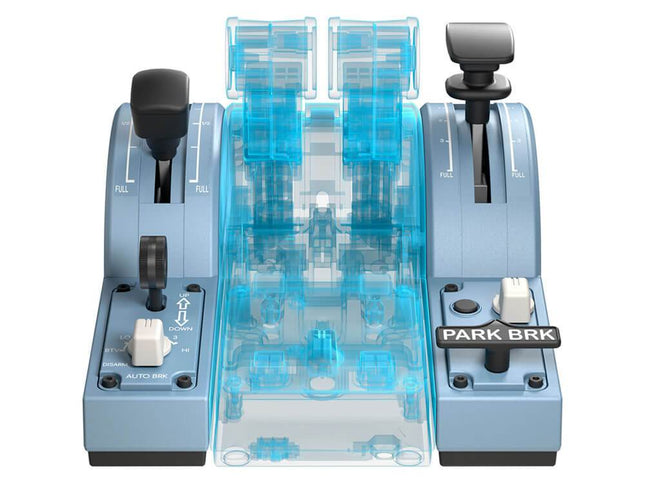
    Thrustmaster TCA Quadrant Add-on Airbus Edition

    In stock

    In stock

    € 80,87

  • Viper TQS

    Thrustmaster Viper TQS

    In stock

    In stock

    € 254,52

  • Bravo Throttle Quadrant Lite

    Honeycomb Bravo Throttle Quadrant Lite

    Out of stock

    Out of stock

    € 157,47

  • TCA Sky Quadrant

    Thrustmaster TCA Sky Quadrant

    Out of stock

    Out of stock

    € 68,09

  • Virtual Fly - TQ3+ - FlightsimWebshop

    Virtual Fly TQ3+

    Available on (back)order

    Available on (back)order

    € 595,02

  • Virtual Fly - TQ6+ - FlightsimWebshop

    Virtual Fly TQ6+

    Available on (back)order

    Available on (back)order

    € 765,26

  • Virtual Fly - V3RNIO TPM - FlightsimWebshop

    Virtual Fly V3RNIO TPM

    Available on (back)order

    Available on (back)order

    € 1.020,64

  • Thrustmaster - TWCS Throttle - FlightsimWebshop

    Thrustmaster TWCS Throttle

    Out of stock

    Out of stock

    € 84,27

  • Honeycomb - Airbus Throttle Pack - FlightsimWebshop

    Honeycomb Airbus Throttle Pack

    In stock

    In stock

    € 55,32

  • GA Trim Wheel Cover

    Honeycomb GA Trim Wheel Cover

    In stock

    In stock

    € 20,42

  • Bravo Flap Kit

    Honeycomb Bravo Flap Kit

    In stock

    In stock

    € 28,93

  • TQA Throttle Mod

    Moza Flight TQA Throttle Mod

    In stock

    In stock

    € 41,71

  • TQB Throttle Mod

    Moza Flight TQB Throttle Mod

    In stock

    In stock

    € 41,71

  • The Flight Simulation experts since 2013
  • Rated 9.5 on average by 2000+ customers [↗]
  • Standard same-day shipping when ordering before 15:00*

Which Throttle fits the way you fly?

Start with the aircraft you fly most often. Its engines and cockpit layout determine which controls add the most value.

Understand the important features

When selecting a Flight Simulator Throttle, it is worth looking beyond the number of levers. The number of axes, sensor technology, lever resistance, detents, and available controls determine how precisely the throttle responds and how closely it matches the aircraft you fly.


Frequently Asked Questions about Throttles for Flight Simulator

How many throttle levers do I need?

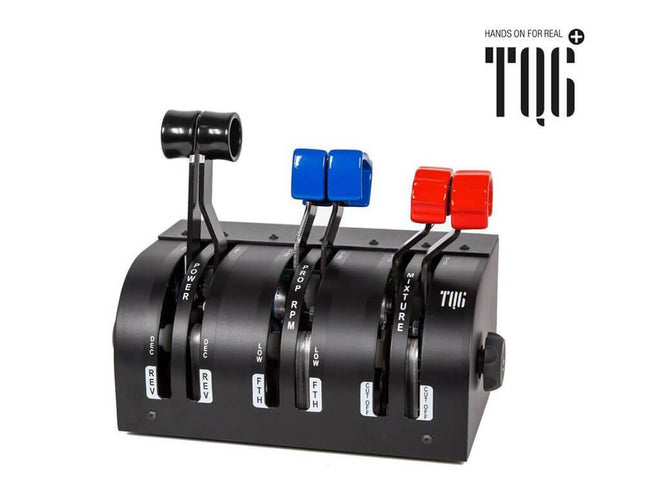
The number of throttle levers depends on the aircraft you fly. A single lever is sufficient for basic engine power control, while multi-engine aircraft may benefit from separate levers for each engine. Some general aviation aircraft also require propeller and mixture controls. For example, a twin-engine piston aircraft with constant-speed propellers can use six axes for independent throttle, propeller and mixture control.

What is the difference between throttle, propeller and mixture controls?

The throttle controls (typically the black levers) engine power. On piston aircraft with a constant-speed propeller, the propeller control (blue levers) adjusts propeller RPM, while the mixture control (red levers) adjusts the fuel-to-air mixture.

How do throttle detents and reverse thrust work?

Throttle detents are physical positions that help you select important power settings by feel, such as IDLE, CLB, TOGA or afterburner. Some throttles also include a dedicated reverse range or reverser control. The exact function and calibration depend on the aircraft and simulator, so separate profiles may be needed for different aircraft.

How do I set up and calibrate a flight simulator throttle?

Most flight simulators have standard profiles for most throttle models.
If not, or if you want to set up your throttle yourself, start by assigning each physical lever to the correct axis in your simulator, such as throttle, propeller or mixture. Check that the complete movement from minimum to maximum is recognized.

An Airbus throttle usually also needs to be configured via their own throttle calibration menu, to match physical positions such as idle, flex, and toga to the virtual cockpit. In Microsoft Flight Simulator you can usually find this menu in the tablet.

Can I combine a throttle with a joystick or yoke from another brand?

On a Windows PC, yes. That is when your throttle has its own USB-connection.
On console (PlayStation or Xbox) you have to connect your throttle via the primary controller (joystick or yoke), which makes it impossible to use different brands. Please note that the throttle must be compatible with PlayStation or Xbox as well.


Complete Your Flight Simulator Setup

Throttles provide control over your engines. You can expand the setup further depending on the aircraft you fly and the level of realism you are looking for.

Not sure what hardware fits best?

You can find a lot of different Flight Simulator Throttles on this page. But what if you're not completely sure what type of controller fits you best?

No worries! We've got you covered!
Just contact our customer service, or -if you're a beginning pilot- check out our dedicated page for beginning pilots.
On this page, we guide you through the different models and options and explain everything about joysticks, yokes, rudder pedals, and throttles.

Login

Forgot your password?

Don't have an account yet?
Create account