<h1>Flight Simulator Yokes</h1>

Flight Simulator Yokes

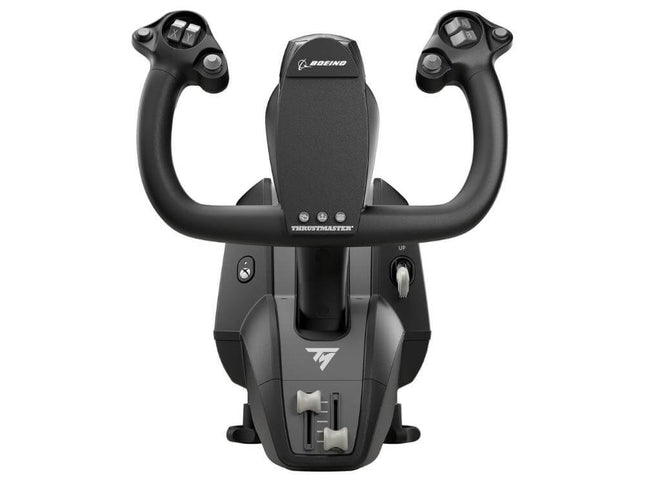
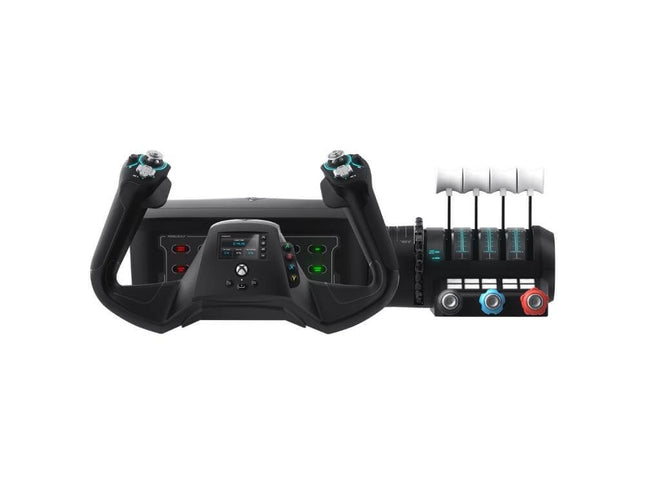
A Flight Simulator Yoke — sometimes also referred to as an aircraft steering wheel — recreates the push-pull and left-right control movement used in many general aviation aircraft and airliners. Choose a complete yoke for a ready-to-use setup, or combine a separate yoke base and handle when you want more control over the feel, features and aircraft-specific setup.

What do you fly?
Choose your flying style to quickly narrow down the products that best match your setup.
  • https://vimeo.com/679901007

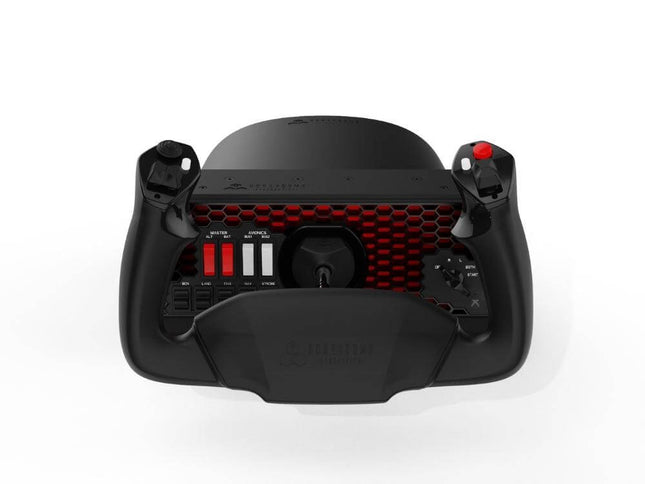
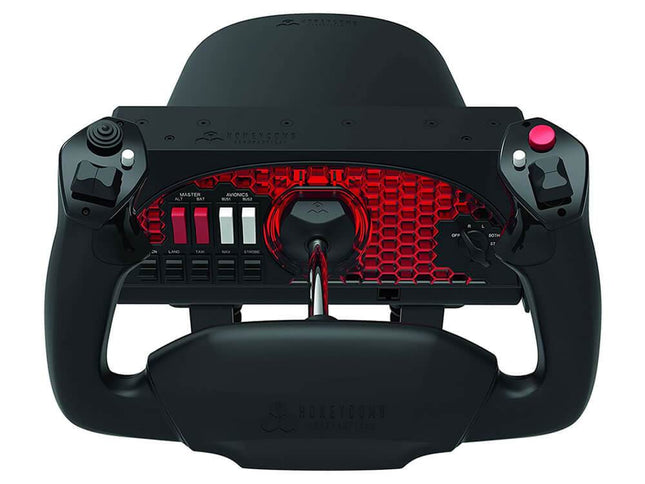
    Honeycomb Alpha Flight Controls

    In stock

    In stock

    € 220,47

  • https://vimeo.com/676145331

    Turtle Beach VelocityOne Flight System

    In stock

    In stock

    € 254,52

  • + FREE FIRST FLIGHT KIT TCA Sky Yoke

    Thrustmaster TCA Sky Yoke

    In stock

    In stock

    € 160,88

  • FFB Base Only AY210 Yoke Base

    Moza Flight AY210 Yoke Base

    Out of stock

    Out of stock

    € 595,02

  • FFB Base Only AY90 Yoke Base

    Moza Flight AY90 Yoke Base

    Out of stock

    Out of stock

    € 356,67

  • Handle Add-on MFY Yoke

    Moza Flight MFY Yoke

    Out of stock

    Out of stock

    € 126,83

  • + FREE FIRST FLIGHT KIT https://vimeo.com/643989962

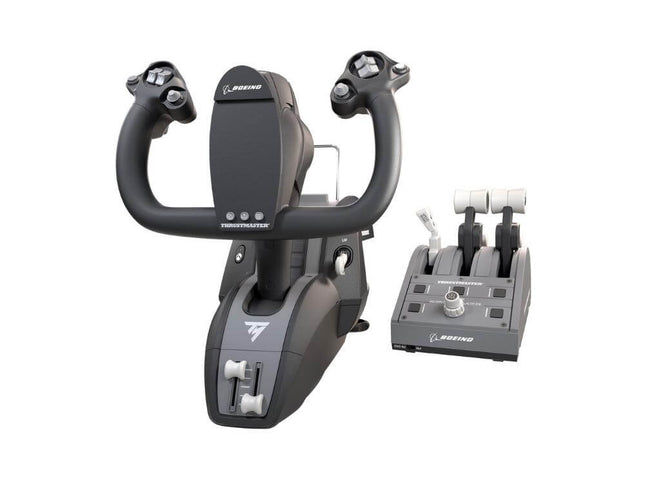
    Thrustmaster TCA Yoke Boeing Edition

    In stock

    In stock

    € 271,55

  • Alpha Flight Controls Lite

    Honeycomb Alpha Flight Controls Lite

    In stock

    In stock

    € 157,47

  • Handle Add-on MFY Pro Yoke

    Moza Flight MFY Pro Yoke

    Out of stock

    Out of stock

    € 263,03

  • Virtual Fly - Yoko + - FlightsimWebshop

    Virtual Fly Yoko +

    Available on (back)order

    Available on (back)order

    € 1.233,45

  • + FREE FIRST FLIGHT KIT https://vimeo.com/643989962

    Thrustmaster TCA Yoke Pack Boeing Edition

    In stock

    In stock

    € 348,16

  • Alpha Flight Controls XPC

    Honeycomb Alpha Flight Controls XPC

    Out of stock

    Out of stock

    € 280,06

  • The Flight Simulation experts since 2013
  • Rated 9.5 on average by 2000+ customers [↗]
  • Standard same-day shipping when ordering before 15:00*

How to choose a Flight Simulator Yoke

Choosing the right Flight Simulator Yoke depends on your setup and the way you fly. By comparing compatibility, technology, and movement range, you can find a yoke that better matches your simulator and flying preferences. Start with these four questions.


Which Yoke fits the way you fly?

The best yoke depends largely on the aircraft you fly and how closely you want your controls to resemble the real cockpit. Different aircraft types place different demands on movement, control layout and additional hardware.

Understand the important features

When selecting a Flight Simulator Yoke, it is worth looking beyond the overall shape. The movement range, control mechanism and available functions determine how precisely the yoke responds and how closely it matches the aircraft you fly.


Frequently Asked Questions about Yokes for Flight Simulator

What is a Flight Simulator Yoke?

A Flight Simulator Yoke controls pitch and roll in aircraft that use yoke-style controls. Push and pull for pitch and rotate left or right for roll.

Can I fly joystick-controlled aircraft with a yoke?

Yes. Flight simulators generally let you assign pitch and roll controls to either a joystick or a yoke. For the simulator control-input is just a movement on an axis.
However, the experience differs from the real aircraft. For helicopters and military aircraft, a joystick is usually the more natural choice because it more closely matches their control layout and movement.

Do I need rudder pedals with a yoke?

There are only a limited number of yokes available that have rudder control. Therefore FlightsimWebshop recommends separate rudder pedals for realistic yaw control, coordinated turns, ground steering and braking.

Do I need a separate throttle with a yoke?

That depends on the yoke. Some yokes include throttle controls (in the form of a slider) or a throttle quadrant, while others require a separate throttle.
You need a throttle input to control engine power, whether through the yoke, a separate quadrant or the simulator.

What is a Force Feedback yoke?

A Force Feedback yoke uses motors to actively apply resistance and control forces. The effect depends on the yoke, aircraft and simulator support.


Complete Your Flight Simulator Setup

A yoke provides pitch and roll control, but you may need additional hardware for engine power, directional control and other aircraft systems. Combine your yoke with a throttle quadrant, rudder pedals or avionics panels to build a more complete flight simulator setup.

Not sure what hardware fits best?

You can find a lot of different Flight Simulator Yokes on this page. But what if you're not completely sure what type of controller fits you best?

No worries! We've got you covered!
Just contact our customer service, or -if you're a beginning pilot- check out our dedicated page for beginning pilots.
On this page, we guide you through the different models and options and explain everything about joysticks, yokes, rudder pedals, and throttles.

Login

Forgot your password?

Don't have an account yet?
Create account