<h1>Flight Simulator Setup for Beginners</h1>

Flight Simulator Setup for Beginners

New to flight simulation? You don't need a complete cockpit to get started. Find out which controls suit your platform, the aircraft you want to fly and how you plan to build your first setup.

Navigate directly to

What do you need to start flight simulation?

At a minimum, you need flight simulator software and a compatible computer or console. You can begin with a gamepad or other supported controls, but a joystick or yoke makes aircraft handling more direct and gives you dedicated flight controls.

When beginning with Flight Simulator you don't need rudder pedals, radio panels, flight computers, or VR on day one.
Just start with a flight stick or yoke and expand your cockpit on a later moment.

  • The Flight Simulation experts since 2013
  • Rated 9.5 on average by 2000+ customers [↗]
  • Standard same-day shipping when ordering before 15:00*

Which platform do you fly on?

Platform compatibility comes before your hardware choice. PC gives you a broad range of controls, while Xbox and PlayStation require models specifically supported by the console and the game.


Find your starting point

Joystick, Yoke or starter bundle?

After you've decided which platform you will fly on, a next step is to determine which aircraft you would like to fly (most), and the controls that suit it.
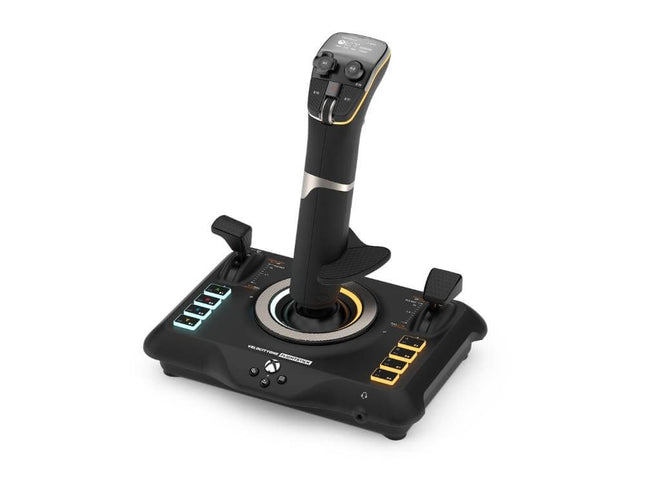
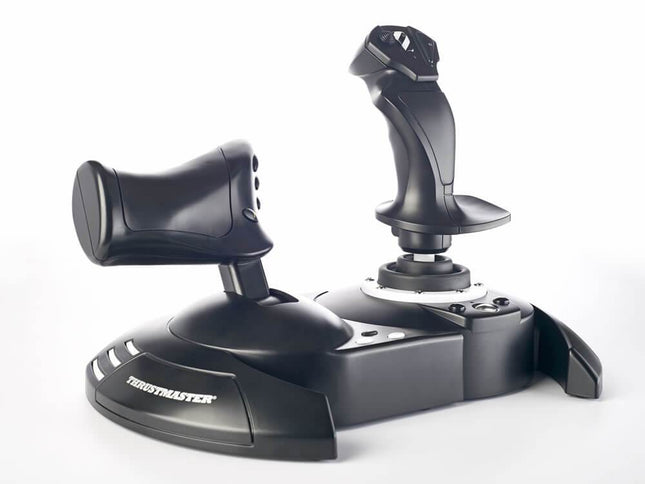
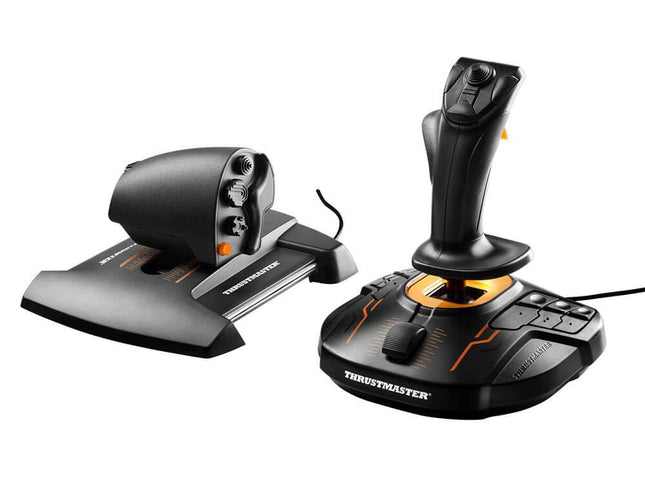
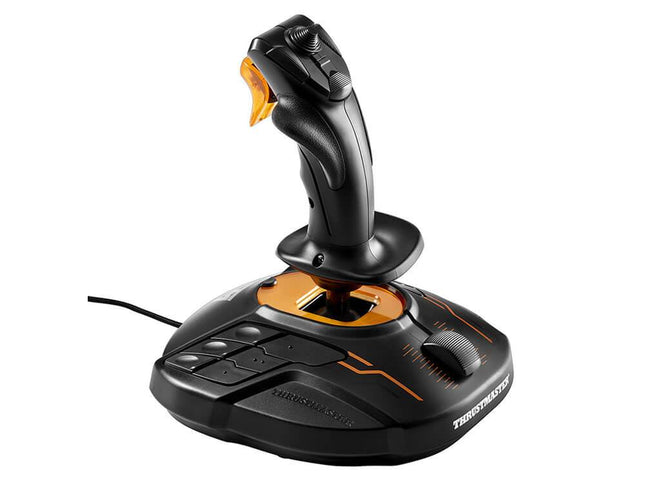
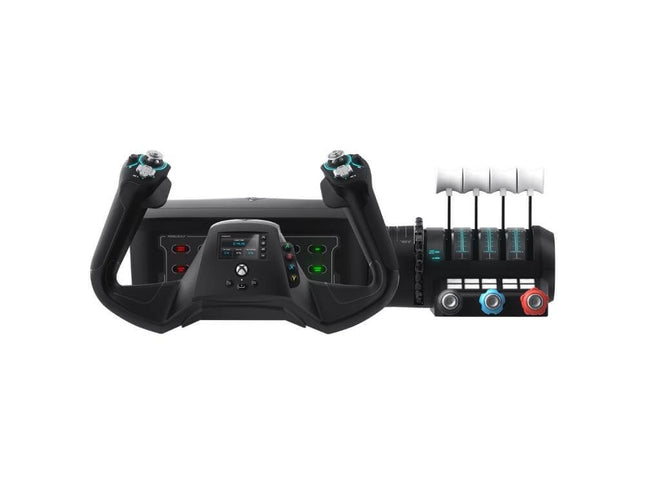
A joystick and a yoke both control pitch and roll, but they work differently. A joystick is a compact, one-hand flight stick; a yoke uses a wheel-like grip that turns and pushes/pulls. Our starter bundles combine multiple controls in one package.
Not sure what to choose? Start with a joystick for maximum versatility, choose a yoke if you fly GA or yoke-controlled airliners, or choose a bundle if you want several matched controls from the start.


Hardware to start your Flight Simulator journey

Explore our selection of beginner-friendly flight controls, from compact joysticks to complete yoke systems. We've selected these products for their ease of use, practical features and suitability for different flying styles. Flying on console? Please check our dedicated hardware for PlayStation 5 or hardware for Xbox Series X|S collections to find equipment validated for your game and platform.

What do you need now, and what can wait?

Good to know is that you can build your simulator step by step.
A good first setup should suit your aircraft and your budget today, with room to add hardware later. The controls you choose determine whether extra devices are needed immediately.

  • Start with the essentials

    • Compatible simulator and platform; check your game support and PC or console requirements.
    • Primary flight controls; choose a joystick, or yoke suited to how you fly.
    • Power control; these may already be integrated, or may require separate hardware depending on the controller.

  • Consider adding later


Frequently asked questions about Starting with Flight Simulation

Which Flight Simulator is best for beginners?

Microsoft Flight Simulator 2024 is a popular starting point because it combines accessible controls with built-in flight training, assistance options and a large selection of aircraft. X-Plane is another good option for civil aviation, with a somewhat steeper learning curve, while DCS World is primarily aimed at military and combat aircraft.

Should I start with a joystick or a yoke?

Choose your controls based mainly on the aircraft you want to fly. A joystick is versatile and works particularly well for Airbus aircraft, military jets and helicopters, while a yoke more closely matches many general aviation aircraft and Boeing airliners. If you are not sure what you want to fly yet, a joystick is generally the more flexible first purchase.

Do I need a separate throttle?

Not necessarily, except if your flight controller has no integrated throttle.
Many beginner joysticks and yokes include a small throttle control, and HOTAS systems include a separate throttle. A dedicated throttle becomes more useful when you want finer power control, multiple engine levers or additional controls for functions such as propeller pitch, mixture and reverse thrust.

Do I need rudder pedals as a beginner?

No. Rudder Pedals can be added later for more control and extra realism.
Rudder Pedals become particularly useful when you want more realistic ground handling, coordinated turns, crosswind control or helicopter flying, and they add independent left and right toe brakes. 

Many joysticks already provide a twist axis for rudder control, so -when choosing for a flightstick- you can start without separate pedals.

Do I need expensive flight simulator hardware to get started?

No. To be honest; we'd love to sell our customers the most advanced hardware that is available, but if you're not at the point where you know how to use this, that wouldn't make any sense. It is usually better to start with the controls you actually need and expand your setup later. Your budget, available space and preferred type of flying should determine the hardware you choose; a complete yoke, throttle, pedals and cockpit are not requirements for enjoying flight simulation. 

Which aircraft should I learn to fly first?

Our advice is to start small.
A Cessna 172 has no complex systems (as you might find in an airliner or turbo prop), so you can focus on your basic skills such as pitch, roll, rudder, trim, takeoff and landing. Real-life pilot training starts for this reason in smaller aircraft as well: you learn how to fly, and then 'grow' into the bigger airplanes.

In Microsoft Flight Simulator 2024 you can follow flight training, that helps you with your first steps in (virtual) aviation.

Can I combine flight simulator hardware from different brands?

On PC, as long as the device has its own USB-connection, yes.
On Xbox or PlayStation, compatibility is more restrictive. Throttles and Rudder Pedals need to be connected through a console compatible primary flight controller, such as a joystick or yoke. Generally all hardware needs to be from the same brand. Always check whether the complete hardware combination is supported on your platform, and if in doubt, please contact us.

Login

Forgot your password?

Don't have an account yet?
Create account