
Als nieuwe – of beginnende – flightsimmer kan het wellicht lastig zijn om een keuze te maken uit alle flight simulator hardware die op onze website beschikbaar is.
Waar begin je tussen al die joysticks, yokes, rudder pedalen, throttles en software? Op deze pagina hebben we het overzichtelijk op een rijtje gezet.
Flight Simulator hardware voor beginnende Flightsimmers
Flight Controls for Beginners
-
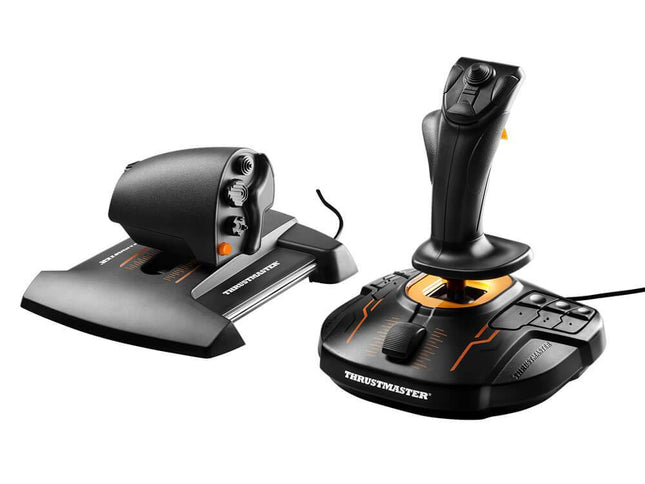
Thrustmaster T.16000M FCS HOTAS
CHF 105.00
-
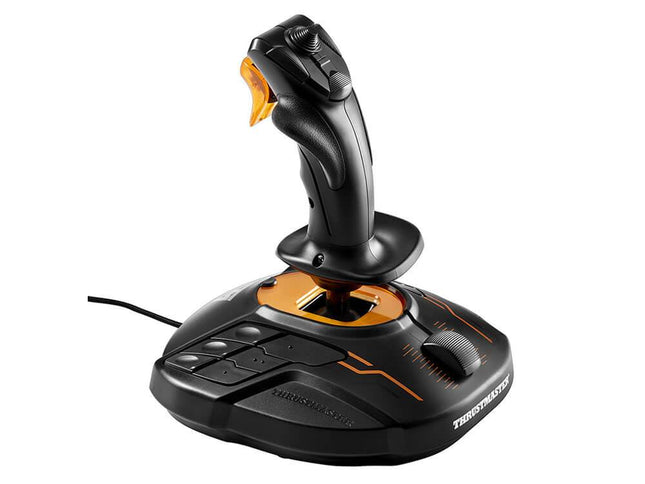
Thrustmaster T.16000M FCS
CHF 55.00
-
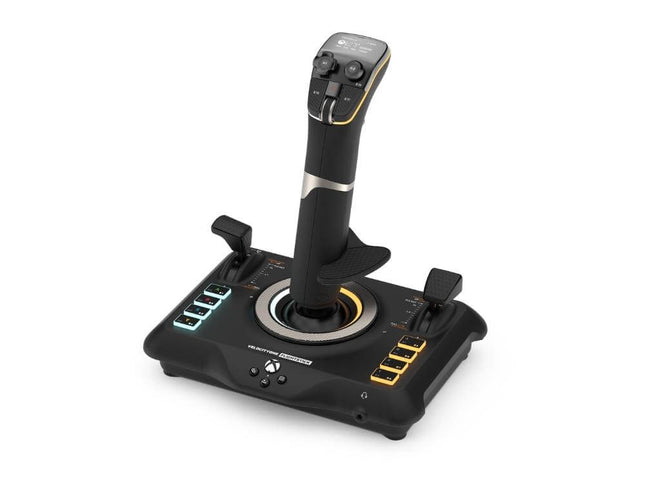
Turtle Beach VelocityOne Flightstick
CHF 100.00
-
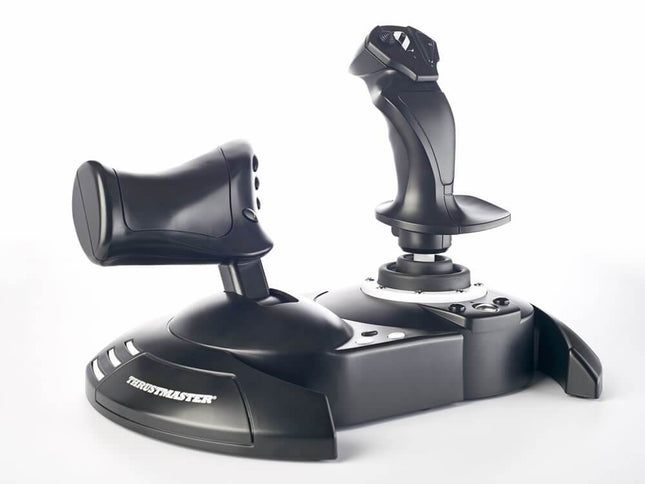
Thrustmaster T.Flight Hotas One
CHF 74.00
-
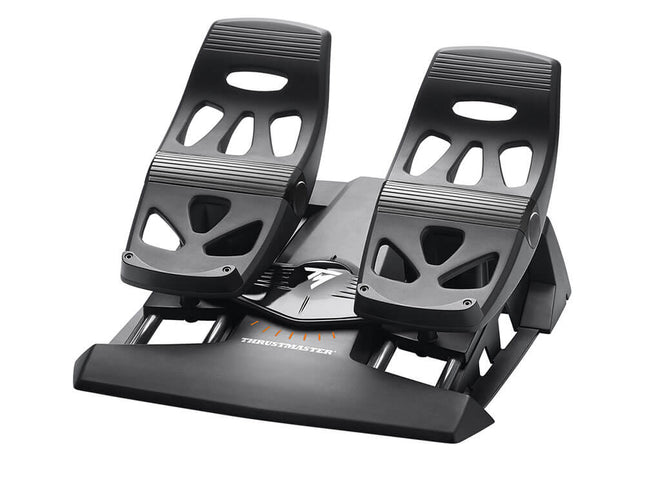
Thrustmaster T.Flight Rudder Pedals
CHF 85.00
-
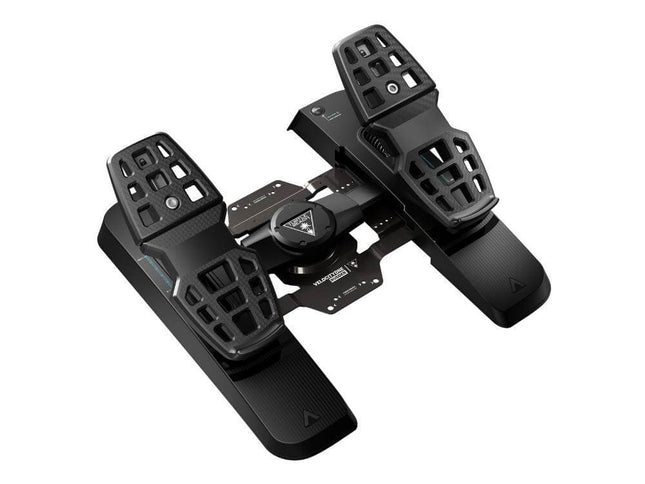
Turtle Beach VelocityOne Rudder
CHF 216.00
-
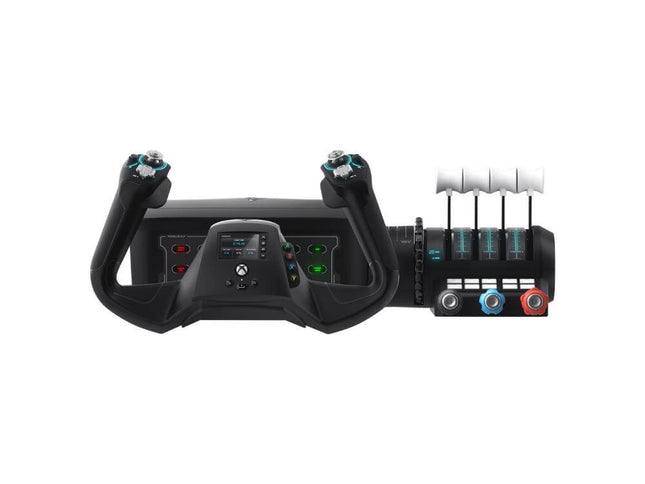
Turtle Beach VelocityOne Flight System
CHF 278.00
- The Flight Simulation experts since 2013
- Rated 9.5 on average by 2000+ customers [↗]
- Standard same-day shipping when ordering before 23:00*
Selecting your Flight Simulator controller
Controlling an airplane with just your keyboard and mouse, or a gamepad, can be hard. It gets easier - and more realistic - when choosing a joystick or yoke. Most joysticks can control all three aircraft axes (pitch-roll-yaw), whilst most yokes can only control two (pitch-roll). That's why the recommendations above are mainly joysticks.
Product Bundles
We have created product bundles for beginning pilots, so that you can start your journey without delay.
-

FlightsimWebshop HOTAS One - Starter Bundle
CHF 185.00 CHF 151.00

- The Flight Simulation experts since 2013
- Rated 9.5 on average by 2000+ customers [↗]
- Standard same-day shipping when ordering before 23:00*

Are you Flying on Xbox?
All flight simulation hardware is fully compatible with Flight Simulator on Windows PC.
Unfortunately, not all hardware is compatible with Xbox Series X|S.
If you're flying in Microsoft Flight Simulator on Xbox, please make sure to check out our dedicated Flight Simulator Hardware for Xbox page to ensure you're buying a controller that is Xbox compatible.

Haven't found the answer you were looking for?
Contact our experts at our customer service!
We're happy to help out with your flight simulation question(s), or with the selection of the ideal flightsim controller for you.