Knobster

Description

Knobster is the perfect add-on for Air Manager

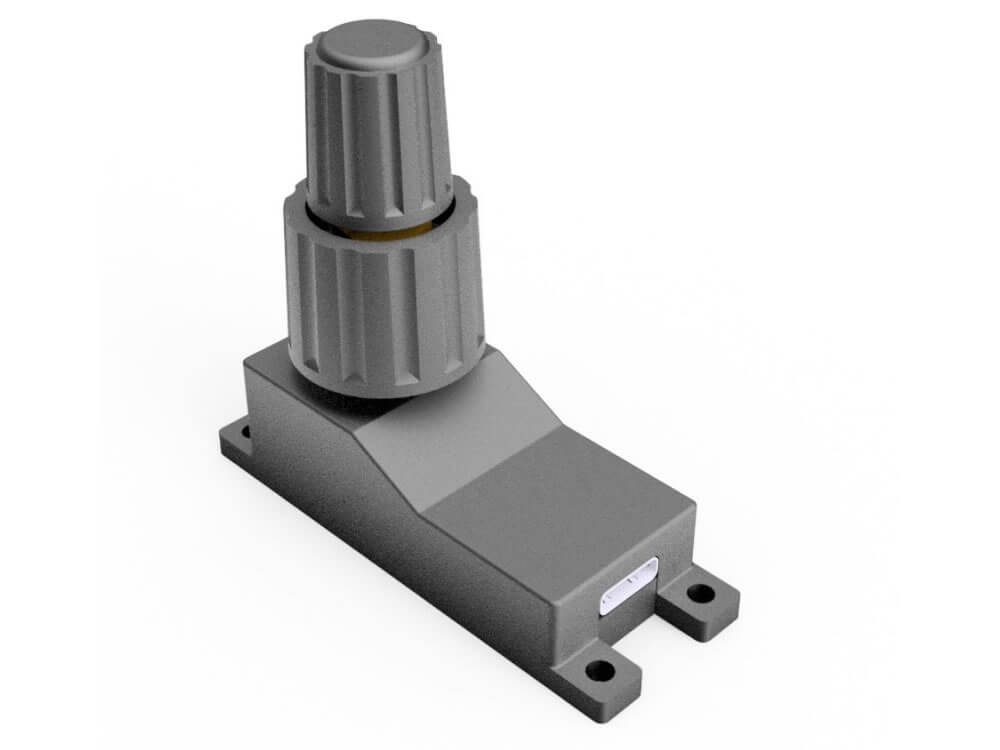
Sim Innovation’s Knobster is a convenient double rotary and push button, that integrates into Air Manager (desktop version), and which makes it easy to operate the instruments on your screen or touchscreen. Therefore, this hardware is the perfect add-on for Air Manager.

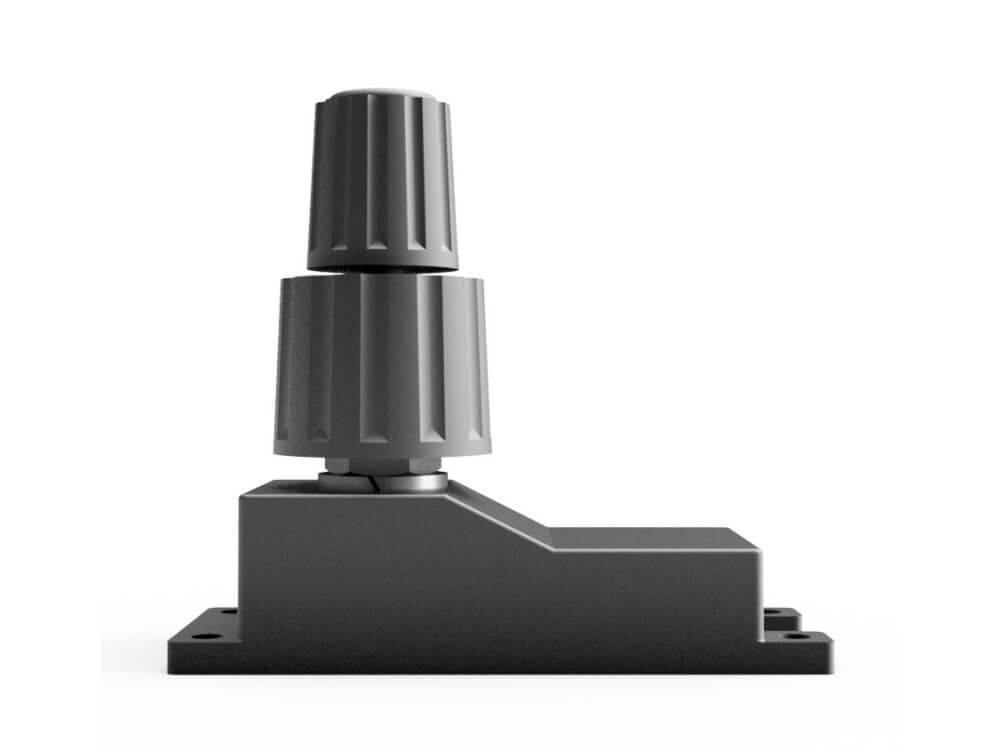
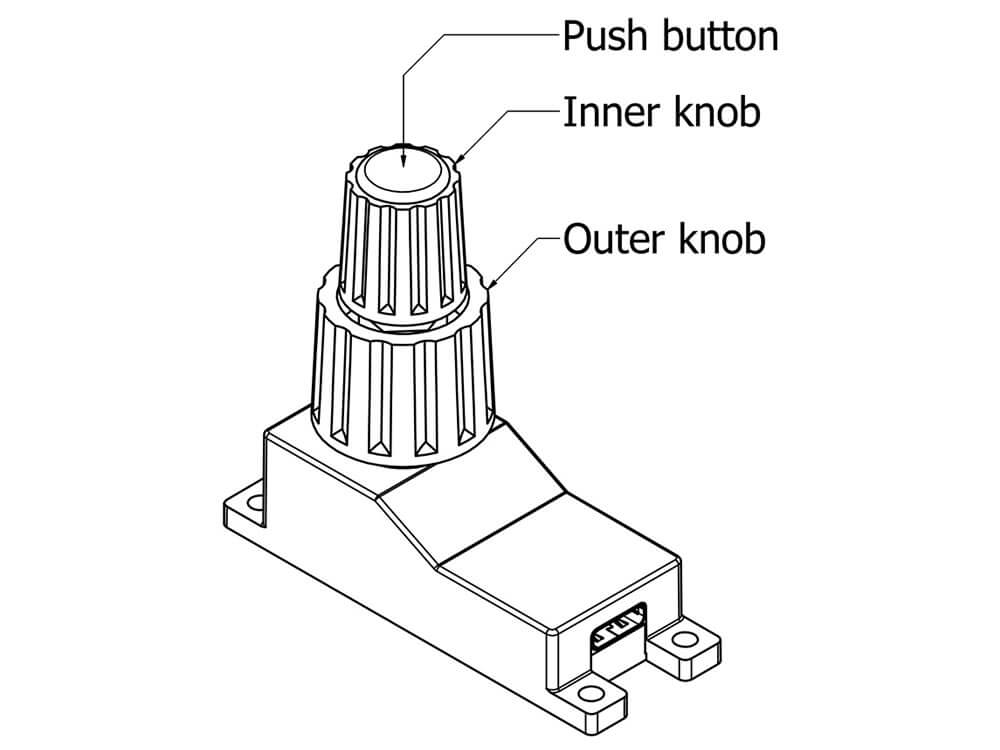
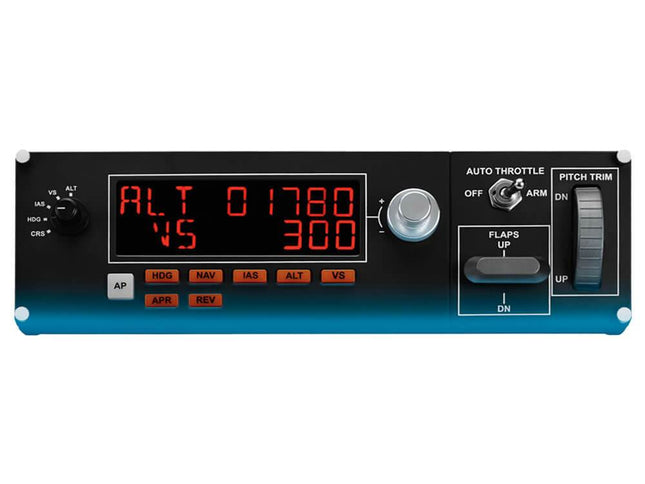
Essentially, the Knobster is a double rotary and push-button as you would find it in many cockpits. The rotary part consists of an outer knob (bottom of the rotary knob), and an inner knob (top of the rotary knob). This type of rotary knob can, for example, be found on a radio stack.
In addition, the Knobster is a push-button that works as a push-button within the simulator, but you can also confirm actions with it, for example.

Easy to use

The Knobster is easy to use: create your own instrument panel in Sim Innovation’s Air Manager, or use one of the panels available in the software. Then, activate the Knobster for your instrument panel, and click (or if you use a touchscreen, touch) on a standard Air Manager button to control these with a Knobster. You can do this by simply rotating or pushing.

Air Manager is not included with the Knobster, and is sold separately through Sim Innovations. Please note that Air Manager can only be used in combination with a touchscreen if you use Windows.

What is included in the box

  • Knobster V2
  • USB-C cabel (1,5 meters)
  • Screws (4x M2,9x9,5)
  • Quick Start Guide
Product form
Out of stock
No longer available
  • Your Flight Simulator specialist since 2013
  • Standard 2-year warranty on Sim Innovations products
  • 14 day returns - no questions asked
  • Customers rate us a 9.5 on average, based on 2000+ reviews

Have any questions?

We're always happy to help!
Reach out to us on businessdays from 10:00 until 16:00 (CEST).

Contact us

Description

Knobster is the perfect add-on for Air Manager

Sim Innovation’s Knobster is a convenient double rotary and push button, that integrates into Air Manager (desktop version), and which makes it easy to operate the instruments on your screen or touchscreen. Therefore, this hardware is the perfect add-on for Air Manager.

Essentially, the Knobster is a double rotary and push-button as you would find it in many cockpits. The rotary part consists of an outer knob (bottom of the rotary knob), and an inner knob (top of the rotary knob). This type of rotary knob can, for example, be found on a radio stack.
In addition, the Knobster is a push-button that works as a push-button within the simulator, but you can also confirm actions with it, for example.

Easy to use

The Knobster is easy to use: create your own instrument panel in Sim Innovation’s Air Manager, or use one of the panels available in the software. Then, activate the Knobster for your instrument panel, and click (or if you use a touchscreen, touch) on a standard Air Manager button to control these with a Knobster. You can do this by simply rotating or pushing.

Air Manager is not included with the Knobster, and is sold separately through Sim Innovations. Please note that Air Manager can only be used in combination with a touchscreen if you use Windows.

What is included in the box

  • Knobster V2
  • USB-C cabel (1,5 meters)
  • Screws (4x M2,9x9,5)
  • Quick Start Guide
  • Same-day shipping

    We ship out orders until 23:00.
    (Freight shipments excluded)

  • 14-day returns

    Don't like your product?
    We offer a 14-day return period - no questions asked.

  • Expert Service

    We're flightsim enthusiasts, just like you.
    If you're having issues with your product, just ask us!

You've recently viewed these products

    © 2013 - 2026 FlightsimWebshop

      • Apple Pay
      • Bancontact
      • Google Pay
      • iDEAL
      • Klarna
      • Mastercard
      • PayPal
      • Shop Pay
      • Visa

      Login

      Forgot your password?

      Don't have an account yet?
      Create account