GNS530

Description

The most realistic GNS530 for flight simulator

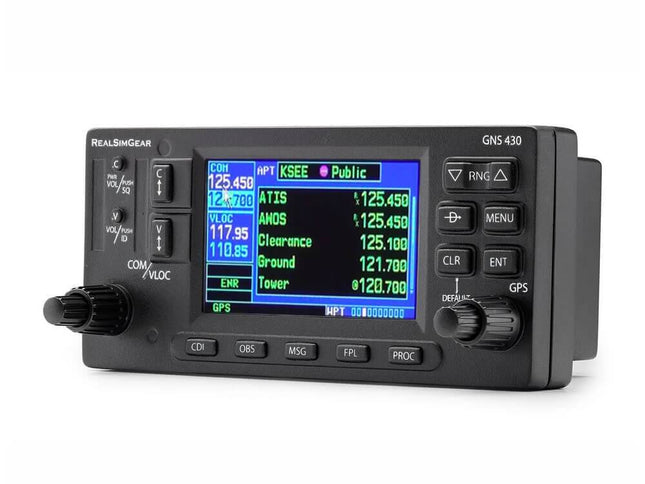
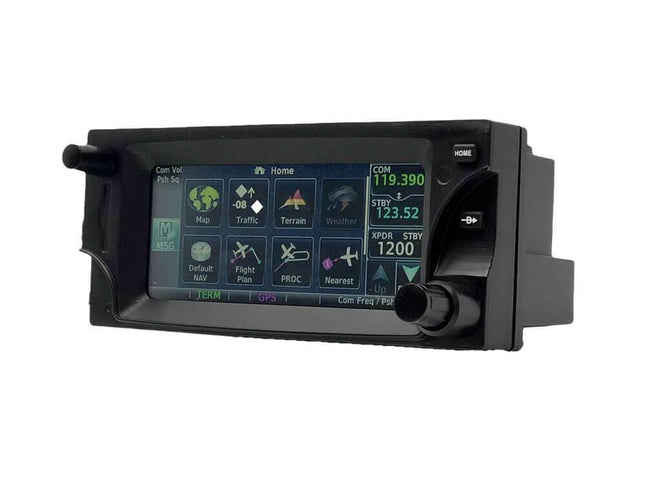
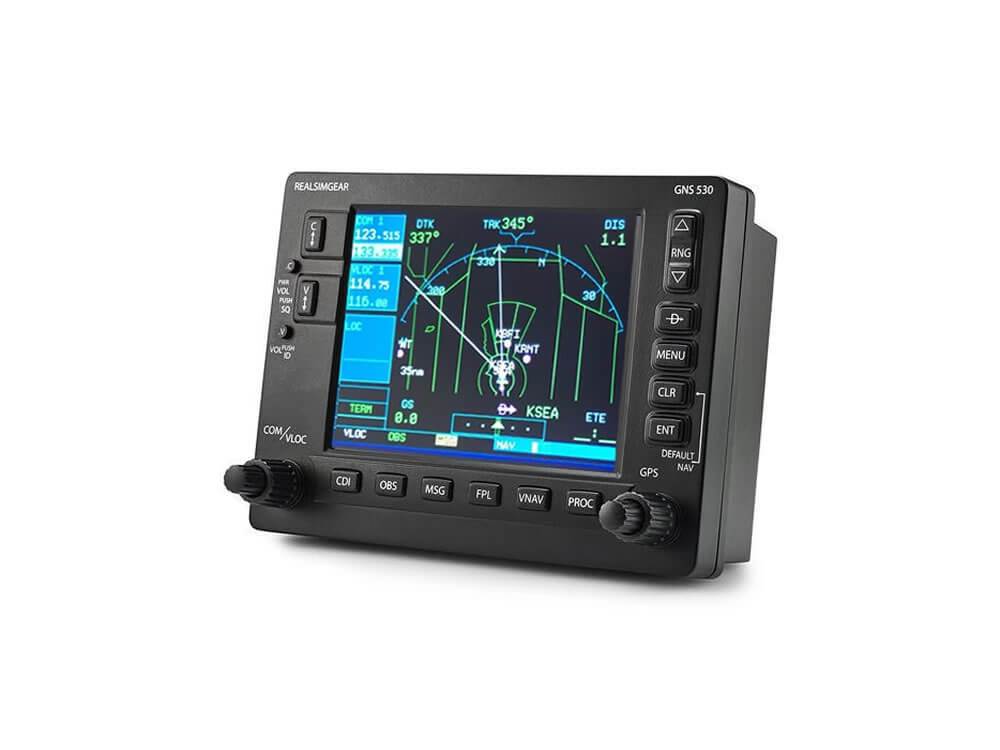
The RealSimGear GNS530 is an ultra-realistic replica of the Garmin GNS530, which is compatible with all popular flight simulators such as Microsoft Flight Simulator 2020, Prepar3D and X-Plane 11. Not only is it a great expansion for your cockpit, but it is also the best way to learn to master the GNS530’s functionalities when you undergo flight training, for example.

You do not need any additional software for Microsoft Flight Simulator 2020 and X-Plane 11. Installing the plugin is sufficient.

High-quality hardware

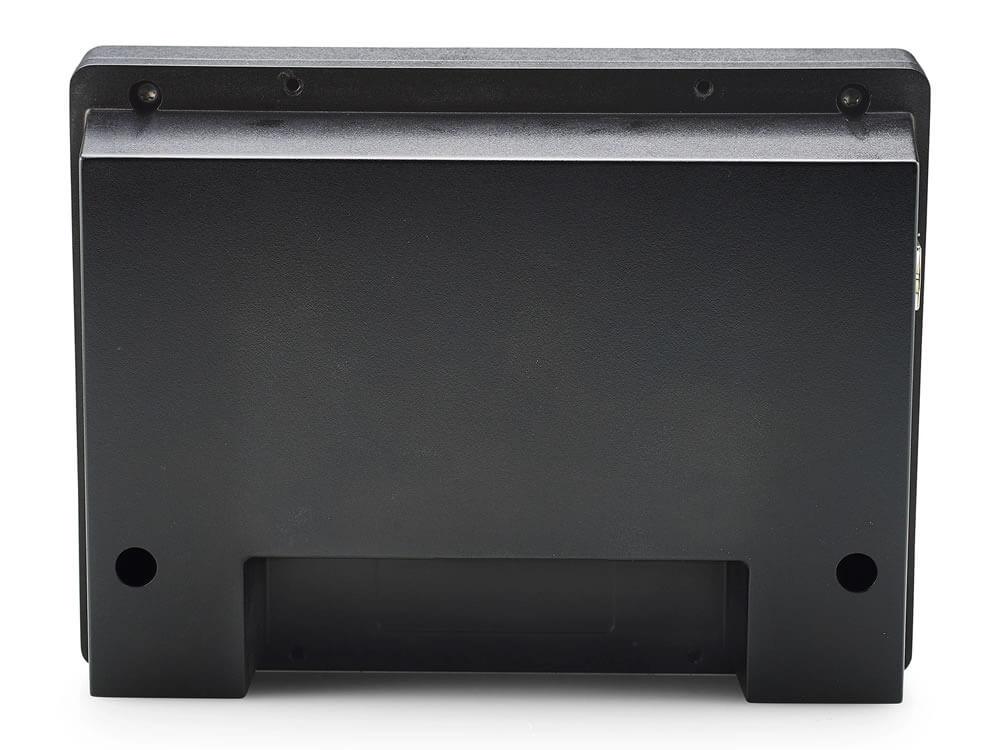
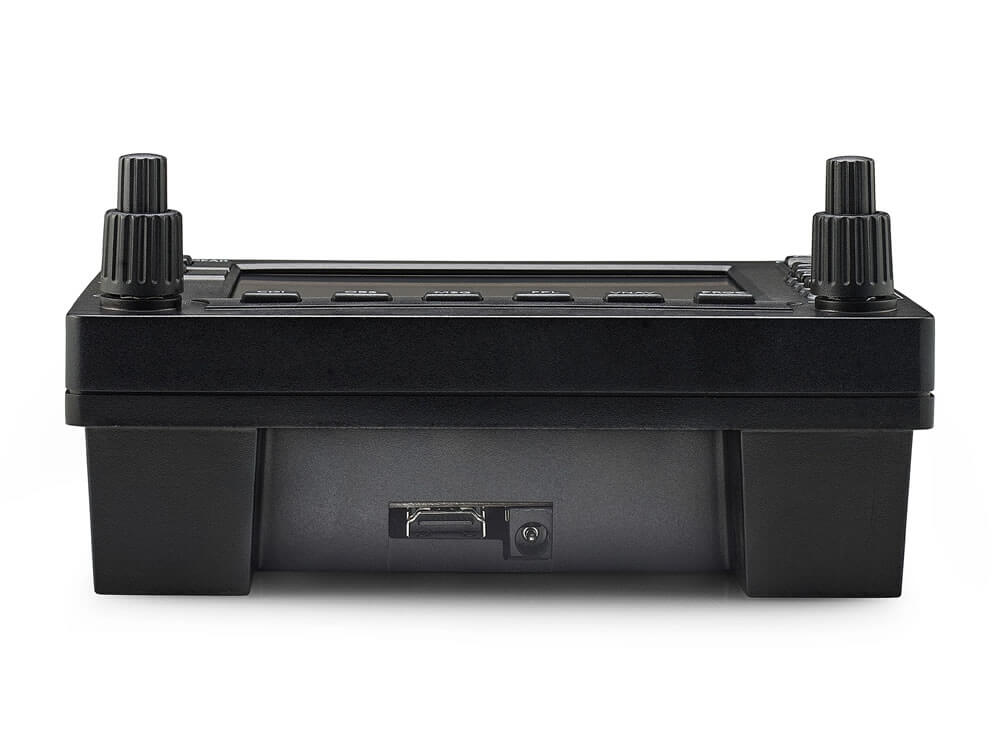
Just like ‘in real life’ the GNS has a 5-inch (12,7cm) LCD display, which can be connected to the computer with an HDMI cable (cable not included). This screen can be used to display the ‘pop-out’ of your GNS530 of your flightsim.
The high-quality rubber rotary push buttons feel realistic while changing radio frequencies for example, or when you are programming your flight plan or approach into the computer.

Connect, install, configure, and fly away

Unlike many other GPS systems, the RealSimGear is ready-to-use, meaning you can directly connect the hardware to your computer’s USB port. After installation and configuration, you are ready to use the GNS 530.
If you do not install the GNS in a cockpit panel, we recommend you order a desktop stand. This stable stand made out of steel has an anti-slip base and ensures you can operate your hardware properly.

Product form

SKU: EU-RSG-002
Barcode: 6959249897626

Out of stock
Available again soon

CHF 370.00

    Loading locations...
    • Your Flight Simulator specialist since 2013
    • Standard 2-year warranty on RealSimGear products
    • 14 day returns - no questions asked
    • Customers rate us a 9.5 on average, based on 2000+ reviews

    Have any questions?

    We're always happy to help!
    Reach out to us on businessdays from 10:00 until 16:00 (CEST).

    Contact us

    Description

    The most realistic GNS530 for flight simulator

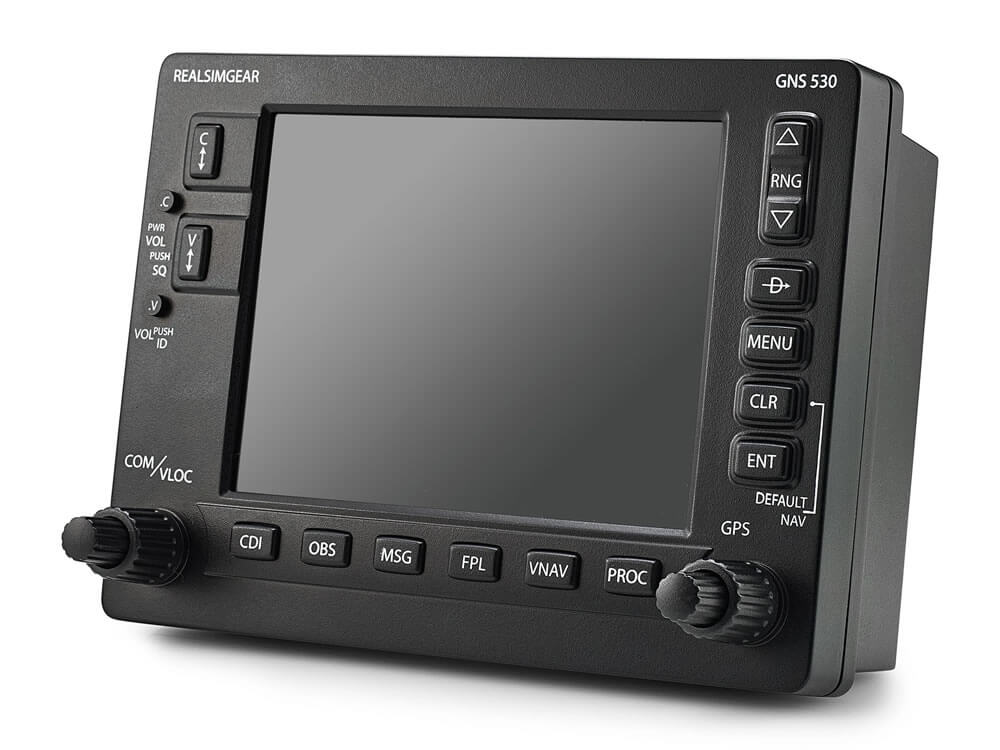
    The RealSimGear GNS530 is an ultra-realistic replica of the Garmin GNS530, which is compatible with all popular flight simulators such as Microsoft Flight Simulator 2020, Prepar3D and X-Plane 11. Not only is it a great expansion for your cockpit, but it is also the best way to learn to master the GNS530’s functionalities when you undergo flight training, for example.

    You do not need any additional software for Microsoft Flight Simulator 2020 and X-Plane 11. Installing the plugin is sufficient.

    High-quality hardware

    Just like ‘in real life’ the GNS has a 5-inch (12,7cm) LCD display, which can be connected to the computer with an HDMI cable (cable not included). This screen can be used to display the ‘pop-out’ of your GNS530 of your flightsim.
    The high-quality rubber rotary push buttons feel realistic while changing radio frequencies for example, or when you are programming your flight plan or approach into the computer.

    Connect, install, configure, and fly away

    Unlike many other GPS systems, the RealSimGear is ready-to-use, meaning you can directly connect the hardware to your computer’s USB port. After installation and configuration, you are ready to use the GNS 530.
    If you do not install the GNS in a cockpit panel, we recommend you order a desktop stand. This stable stand made out of steel has an anti-slip base and ensures you can operate your hardware properly.
    • Same-day shipping

      We ship out orders until 23:00.
      (Freight shipments excluded)

    • 14-day returns

      Don't like your product?
      We offer a 14-day return period - no questions asked.

    • Expert Service

      We're flightsim enthusiasts, just like you.
      If you're having issues with your product, just ask us!

    You've recently viewed these products

      © 2013 - 2026 FlightsimWebshop

        • Apple Pay
        • Bancontact
        • Google Pay
        • iDEAL
        • Klarna
        • Mastercard
        • PayPal
        • Shop Pay
        • Visa

        Login

        Forgot your password?

        Don't have an account yet?
        Create account